Long text to cards
One article in, a set of cards out — every point from your text
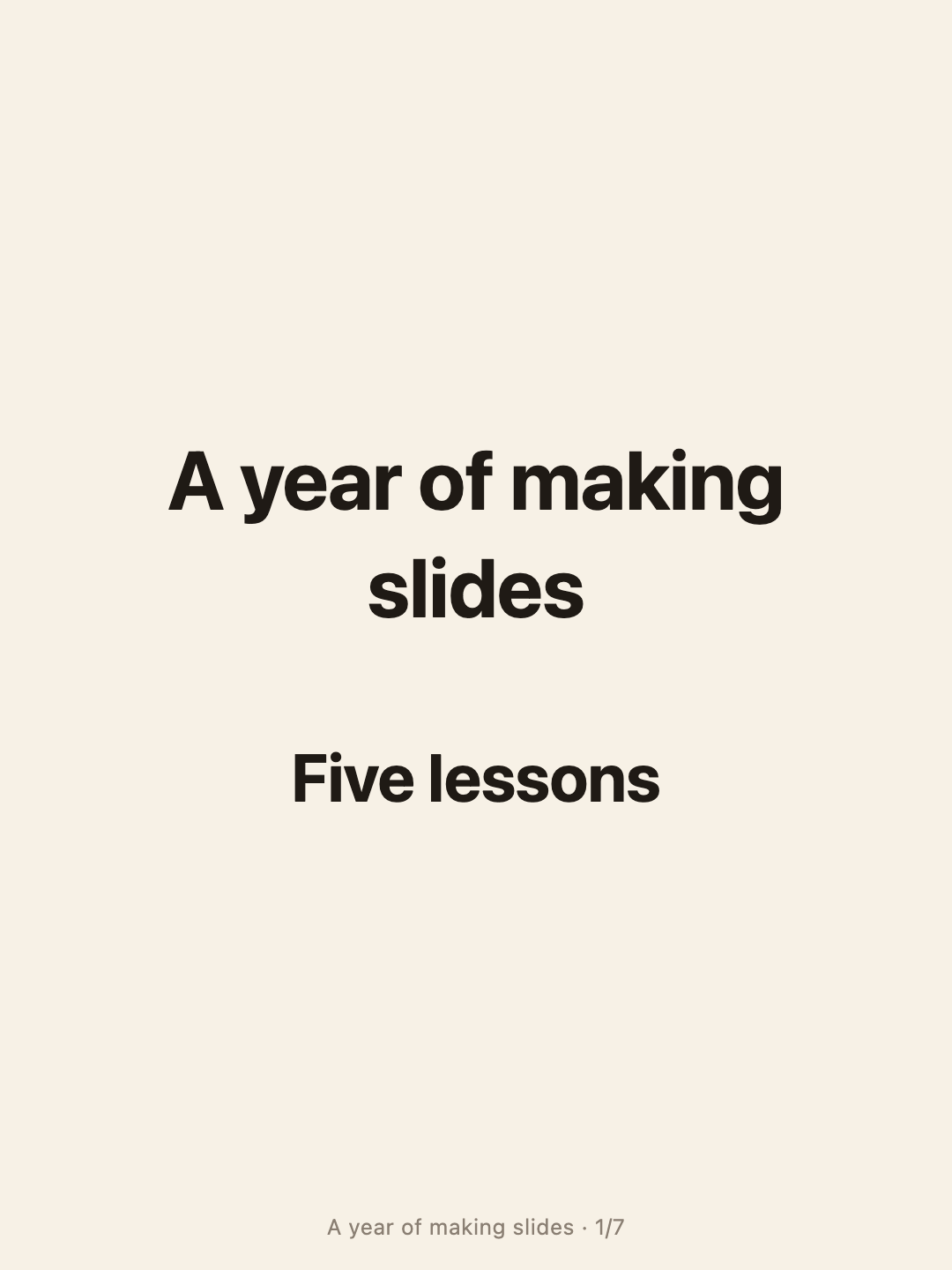
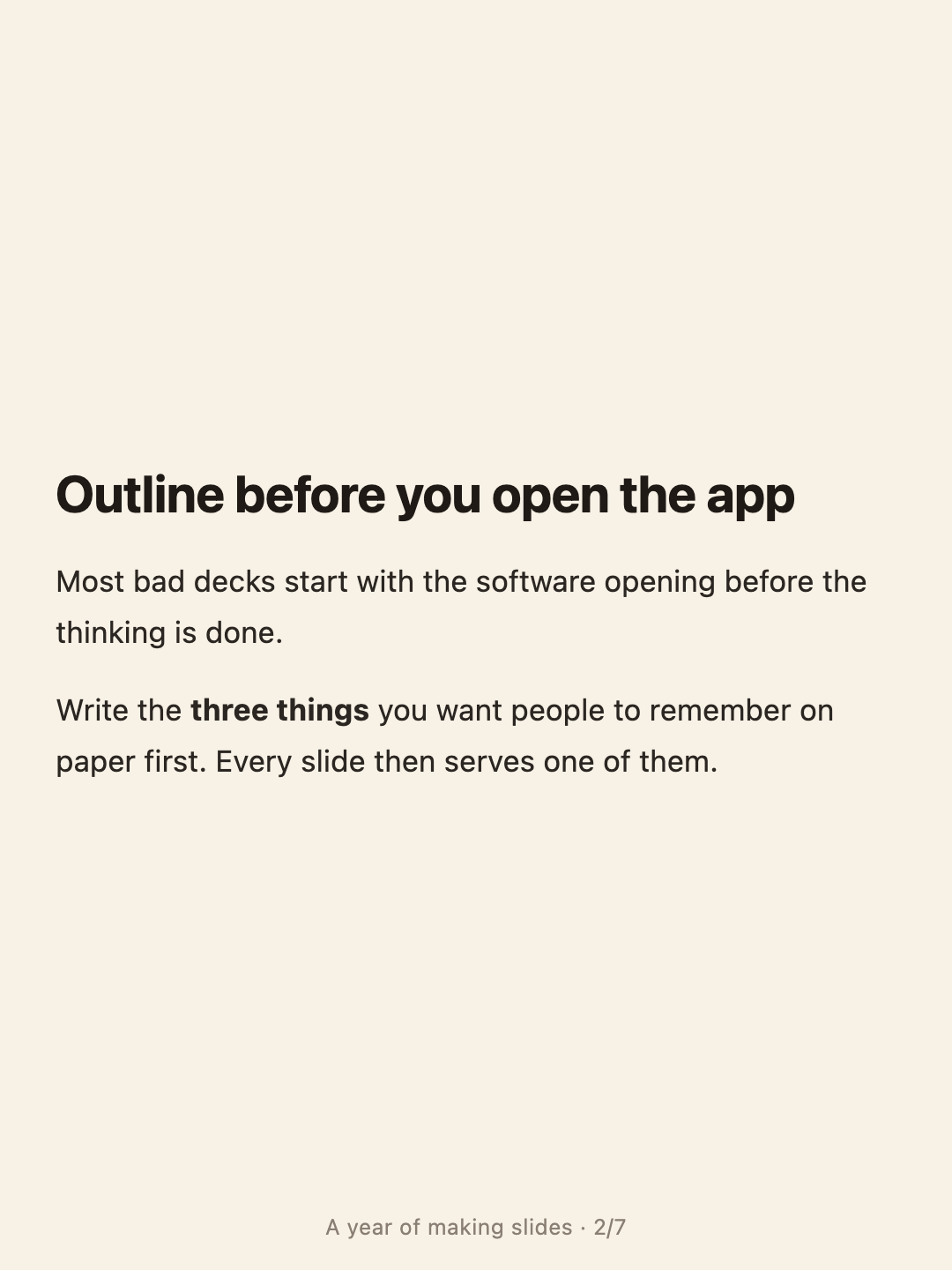
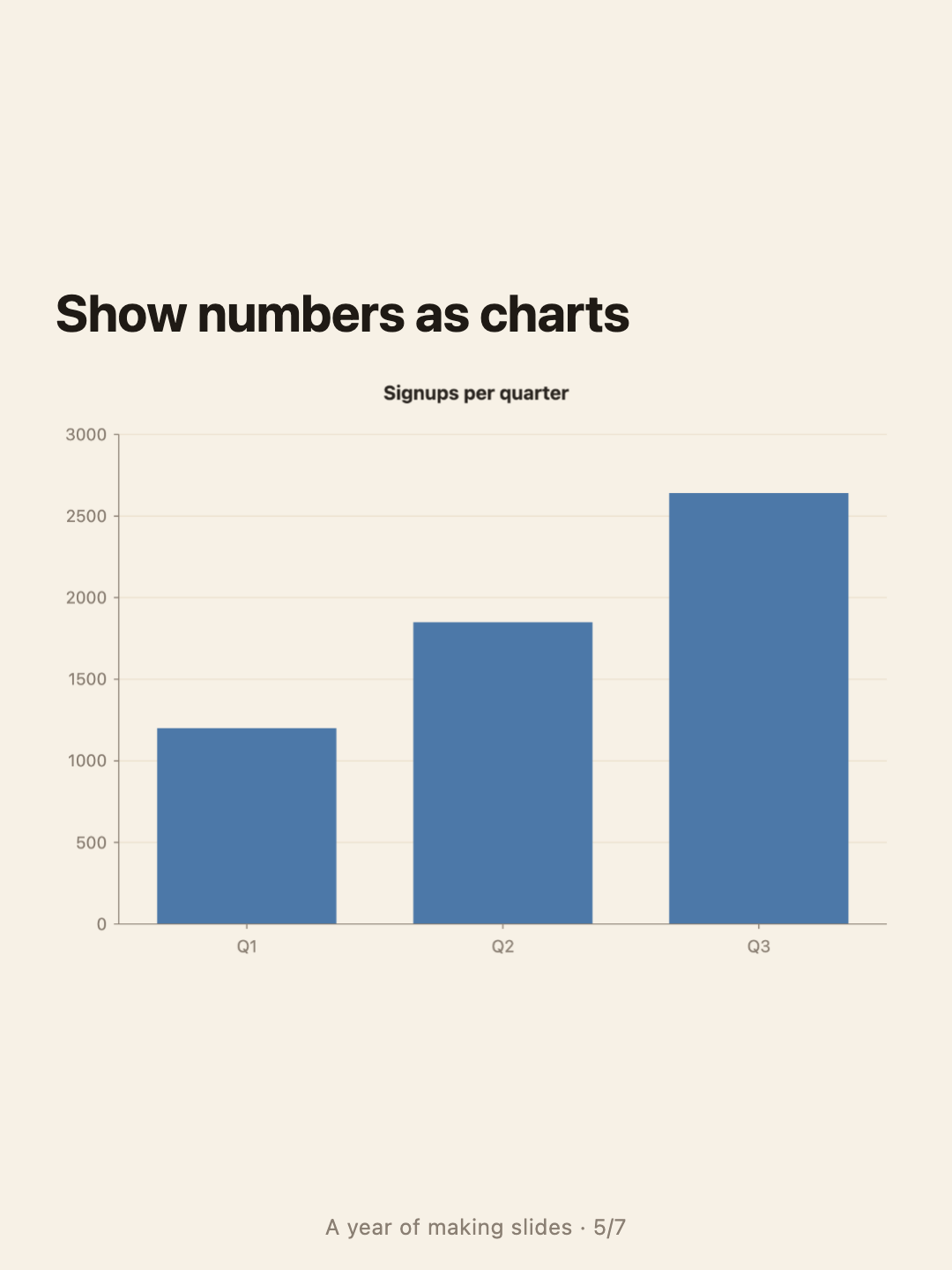
Paste a long post and let AI split it: a cover, one point per card, the line worth quoting, a chart where there are numbers, and a closing card. You get a draft to edit before exporting, not a black box.
- Price
- Free · no account, no watermark
- Runs in
- Your browser — nothing to install
- Your document
- Stays in this browser
Runs on the MindMax web editor →All online tools
Four steps
Paste the article
Up to about 30,000 characters; anything longer is trimmed in the middle.
Pick a length and split
Brief (4–6 cards), standard (6–9) or detailed (9–14). Splitting needs a free account.
Edit the draft
Each card is a section of an ordinary document: rewrite it, change its type, delete it.
Export the cards
Pick a size and a style, then download the cards as PNGs, in order.
Rewritten for cards — and still checkable
Splitting rewrites your text, so it comes with checks you can see.
- Each key-point card carries the sentences it came from. A quote that cannot be found word for word in your text is removed.
- Every number on a card is compared with your text. One that is not there is flagged on the card divider, so you catch it before you post.
- A card too full for its size is set one step smaller; if it still does not fit, the export panel tells you which card to trim.
Where it gets hard
- Splitting needs a free account
Pasting, editing and exporting need no account. The AI split does: sign in with a free account.
- It rewrites, so read it
Cards are shorter than your text by design. The checks catch invented quotes and numbers, not every shift in emphasis — read the draft before you post.
- Your text goes to the model when you split
Otherwise everything stays in this browser, and the images are drawn here too.
- No watermark
The cards carry only the optional “title · page” footer.
Common questions
How is this different from Text to image?
Text to image pages your text exactly as written. This rewrites it into one point per card. Both export the same sizes and styles.
Can I change a card after splitting?
Yes. The draft is a normal document; each card starts at a divider showing its number and type. Edit the text, switch a card from point to quote, or delete it.
Which sizes are there?
Xiaohongshu 3:4, Instagram 4:5, square 1:1 and story 9:16.
One article in, a set of cards out — every point from your text
Free account for the AI split; no watermark on anything you export.